There’s a particular kind of quiet that settles in after something goes wrong online. Not dramatic. Not loud. Just… off.
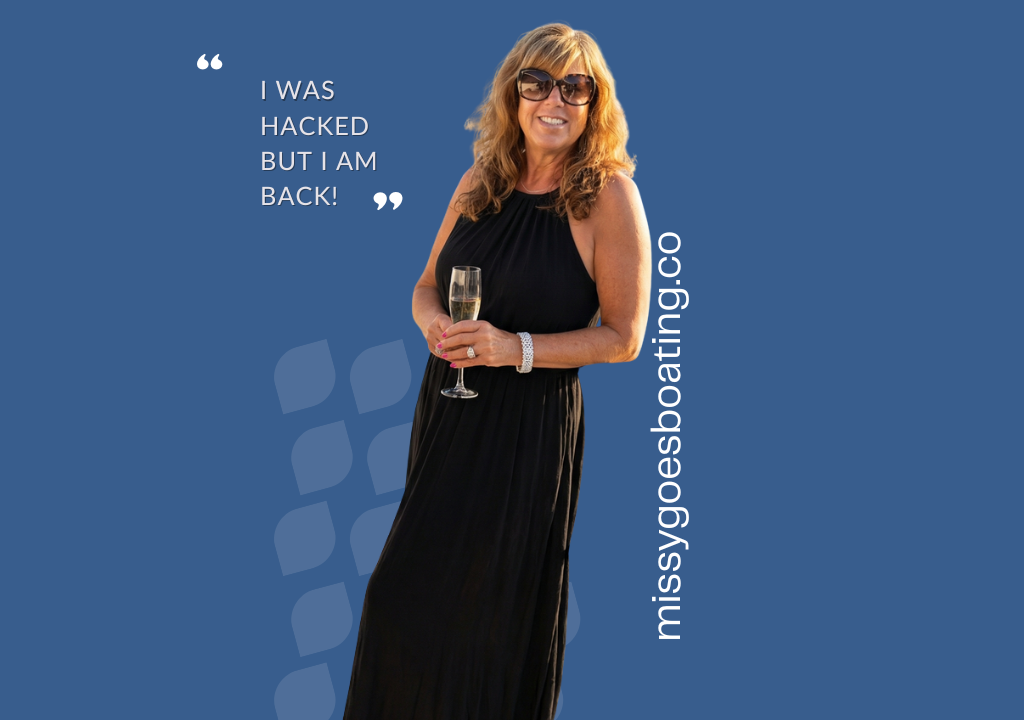
My Instagram account was hacked.
Even writing that feels a bit surreal, like saying you misplaced something important but not entirely knowing where, or how, it slipped away. One minute, everything was humming along as usual, and the next, I was locked out, disconnected, and staring at a screen that suddenly felt far less friendly than it had the day before.
After going through this experience, I can truly say: I Got Hacked and Here Is What I Learned.
For someone who writes online, shares online, sells books online, and recommends products online, there’s a certain irony in all of this. My little corner of the internet, Missy Goes Boating, exists because of screens. And yet, the moment those screens turned on me, I found myself wanting the exact opposite of what I spent so much time creating.
I didn’t want to scroll.
I didn’t want to refresh.
I didn’t want to troubleshoot or chase support tickets.
I wanted to go to the boat.
So I did.
I sat there for a while, not doing anything particularly productive. Just watching the water. A bit of sun on my face. That familiar ripple against the hull. The kind of moment that doesn’t ask anything from you, no login, no password, no verification code sent to a device you suddenly don’t trust.
And it struck me, in that very obvious way that only becomes obvious after something inconvenient happens. We’ve built entire lives inside these little glowing rectangles. Businesses, conversations, identities, routines. All neatly packaged behind passwords we assume will protect us.
Until they don’t.
Now, this isn’t a cautionary tale meant to scare you. It’s more of a gentle nudge, a reminder, really, that the things we rely on digitally are, by nature, a little more fragile than we like to admit.
And yes, I see the irony.
Here I am, encouraging you to buy books online, click links, and explore products I genuinely love, and, in the same breath, telling you to step away from your screen and go outside. But maybe that’s the balance we’re all trying to strike. Use the tools, enjoy the convenience, but don’t forget where real life actually happens.
Because it’s not in your inbox.
It’s in that first sip of coffee on the back deck.
It’s in the sound of dock lines creaking in the morning.
It’s in turning a page, an actual page, and losing track of time in the best possible way.
That said, let’s talk about the practical side of this for a moment. Because while the philosophy is lovely, a little prevention goes a long way.
If there’s one thing I took away from this experience, it’s that most of us are far too casual about our digital security.
Another irony is how it happened. Two friends were hacked, and I received “friend requests”. They had already posted that they had been compromised, so I knew. But one recommended joining the Meta Verified program, so I did. I received an email to confirm, and BAM. I clicked on the link without checking the “from” email. Sure enough. “Verified” was spelled with two dd’s. Coincidence? Probably not.
I received some especially disturbing ransom notes and a lot of “hack” attempts on everything associated with my email address. It got so bad that I was afraid to open Outlook. I spent the next two weeks on tech support with Meta, but to no avail. I have now spent countless hours changing passwords, cancelling credit cards, and dealing with the general nuisance of a simple click.
It happens to the best of us. So here is what I have re-learned! A few simple habits can make a meaningful difference:
First, your passwords matter more than you think.
If you’re using the same password across multiple accounts, it’s time for a refresh. Think of it like using the same key for your boat, your car, and your house. And someone has the address for all three. Convenient, yes, but not exactly wise. Each account should have its own unique password, ideally something long, slightly annoying to type, and not even remotely guessable. The recommendation is 14 characters, including letters, numbers and symbols. I get it, impossible to remember.
Second, change your passwords regularly.
Not once every few years when you’re forced to, but intentionally. Set a reminder if you have to. It’s not glamorous, but neither is dealing with a compromised account. I would much rather spend a few hours a year changing passwords than chatting with Meta.
Third, be skeptical of what you click.
We’ve all gotten those emails or messages that feel just real enough to make you pause. The hackers are good, and the stolen logos look legit. A delivery notice, a login alert, a “quick question” from someone you know. If something feels even slightly off, trust that instinct. Don’t click the link. Go directly to the source instead.
Fishing is good. Phishing is bad.
Phishing is when someone pretends to be a trusted company or person to trick you into giving up personal information, such as passwords or credit card details. It often looks real and creates urgency, which is why it’s best to avoid clicking links and go directly to the source instead.
Always check the sender’s email address, because even if the Best Buy or FedEx logo looks perfectly real, the email behind it often tells a very different story. It can even be off by just one letter!
Fourth, be cautious about where you store your passwords.
Auto-fill is convenient. Password-saving tools are convenient. But convenience and security don’t always share the same priorities. If you are using a password manager, choose a reputable one and protect it well. Companies like LastPass, NordPass and Dashlane have also been hacked. And if you’re not entirely comfortable with that, there’s nothing wrong with an old-fashioned system that you control. I have to admit, I have now resorted to an address-book style password keeper on my desk.
The hackers are desperate and spend their time focused on deception. London Drugs shut its doors. LifeLabs lost trust. Even airlines like WestJet have been disrupted. Entire systems, things we assume will just work, can quietly go dark overnight.
For me, every day brings another wave of strange emails, as if I’ve been quietly added to some list of “easy targets”. A steady, slightly humbling reminder that I got duped once, and the internet hasn’t forgotten.
So here’s the quick and dirty.
1. Password managers are still useful
They’re better than:
- using the same password everywhere
- writing passwords in your Notes app
- “Boat1”, then “Boat12”, then “Boat123” (we’ve all seen it…)
2. But your passwords matter most
Make them:
- long (a full sentence is ideal)
- weird (not guessable)
- unique
👉 Think: MyCatPrefersSalmonOverChickenInJuly!#
3. Turn on 2-factor authentication (2FA)
This is your second lock on the door. Like financial institutions, most companies now offer it. A code or authorization is sent to your phone.
Use an “authenticator”. Google Authenticator adds a simple but powerful second layer of security by generating time-sensitive codes on your phone, so even if someone gets your password, they still can’t get in. A hassle that I am, now, totally embracing!
4. Be suspicious of everything
If you get:
- a login alert
- a “verify your account” message
- a “you’ve been locked out” email
👉 Don’t click the link
👉 Go directly to the website instead
Hackers are now using AI to mimic voices, messages, and even familiar faces to solicit money. If something feels even slightly off, pick up the phone and call them.
Don’t respond to suspicious texts or emails, don’t click, don’t reply, don’t even “just ask what they want.” Engagement is exactly what they’re looking for; it confirms your address is active and worth targeting again.
And when you do delete those messages, consider using Shift + Delete instead of a regular delete. A normal delete simply moves the message to your trash folder, where it lingers (and occasionally resurfaces, or worse, gets accidentally opened later). Shift + Delete bypasses the trash entirely, removing it immediately and cleanly. One less loose end, one less chance to revisit something you were better off never engaging with in the first place.
It’s also worth restarting your computer regularly, which helps clear temporary files and empty the digital “back corners” where things tend to linger. like giving everything a quiet reset before it has a chance to clutter up again.
And finally, don’t underestimate malware, quiet, unseen, and often the real problem behind the scenes. Having reputable protection like Sophos or Malwarebytes running in the background is a simple way to keep things clean without constantly thinking about it.
And finally, slow down.
Most of these mistakes happen when we’re moving too quickly, clicking, responding, and logging in without thinking. The digital world rewards speed. Security rewards patience.
What surprised me most about being hacked wasn’t just the inconvenience; it was how quickly it pushed me back toward the things I actually value.
Less screen time.
More outdoor time.
More presence.
There’s something quietly rebellious about choosing to close the laptop and go sit by the water instead. About picking up a book instead of a phone. About deciding that not everything needs to be answered, fixed, or optimized immediately.
And perhaps that’s the real takeaway.
Not just better passwords (though yes, please, better passwords).
But a better balance.
So, if you need a small nudge this week, consider this.
Put the phone down.
Step outside.
Go to the boat, or the beach, or even just your backyard.
Let the sun hit your face.
Watch the water for a minute.
And remember that the best parts of this life, the ones we’re all trying to capture, share, and sometimes monetize, aren’t happening on a screen.
They’re happening out there.
They require a check-in, not a login.
Here is my new Instagram handle missygoesboating.co